Energize Builders · Digital edition 02 · Sales are paused
The Custom Home Decision Checklist
Every decision behind a custom home or major renovation, from the first look at the land to the eleven-month review: the question, who reviews it, what evidence closes it and where the record lives.
- Pages
- 181
- Prompts
- 431
- Tools, schedules and ledgers
- 21
- Fillable fields
- 4,701
Sales are paused. Checkout is currently paused.
English digital edition. One download: the fillable PDF, the print edition and the editable Excel / Google Sheets companion. Free updates for a year. No physical book is shipped. Taxes, if applicable, appear at checkout.
Sold by Energize Builders Inc. One household / one home project. Purchase terms & 14-day refund requests · Purchase privacy · Download help
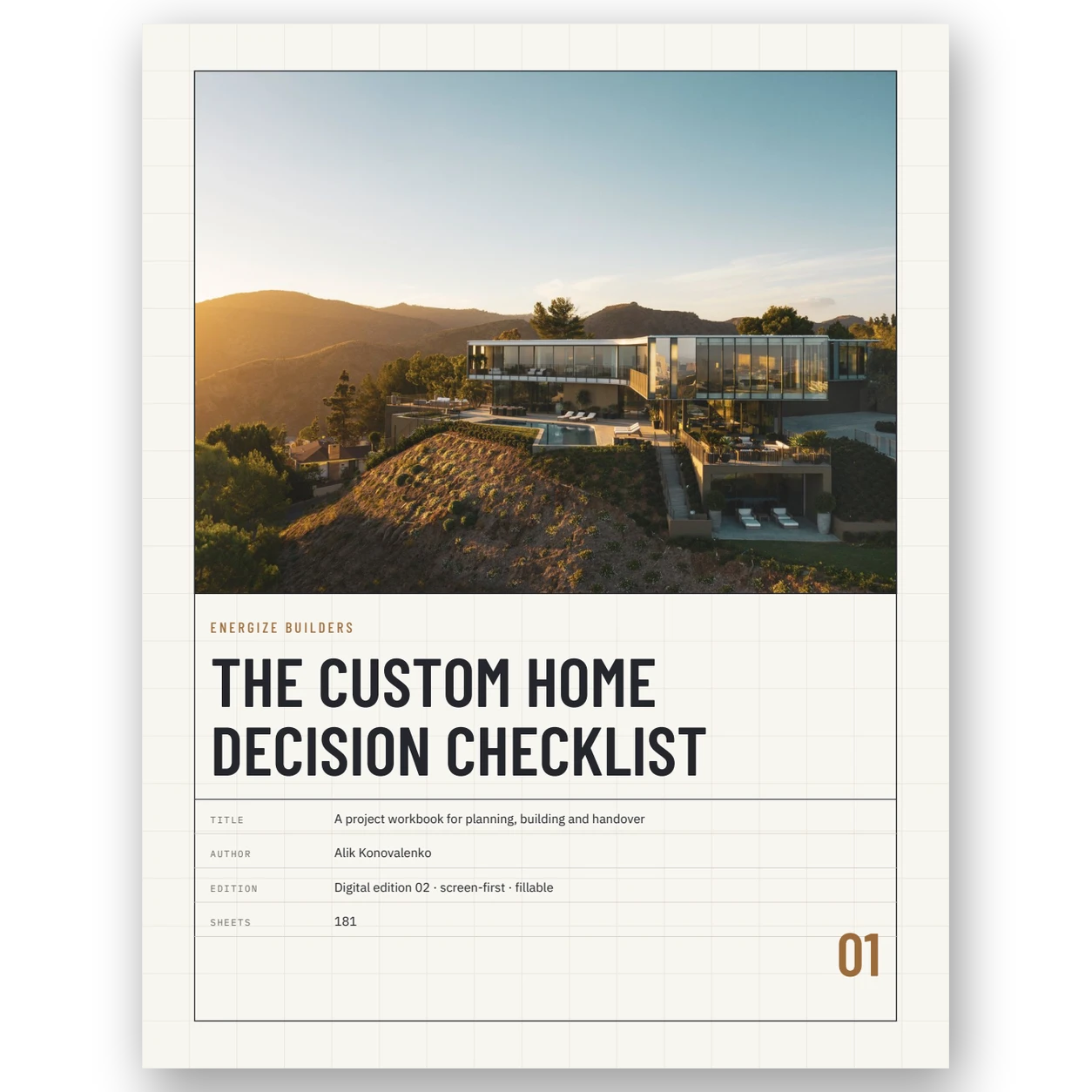
Inside the workbook
See how the
questions come together.
Six real sheets from the edition: the build in order, a checkpoint sheet, the register, the Los Angeles supplement, a schedule and a ledger.
Construction page preview
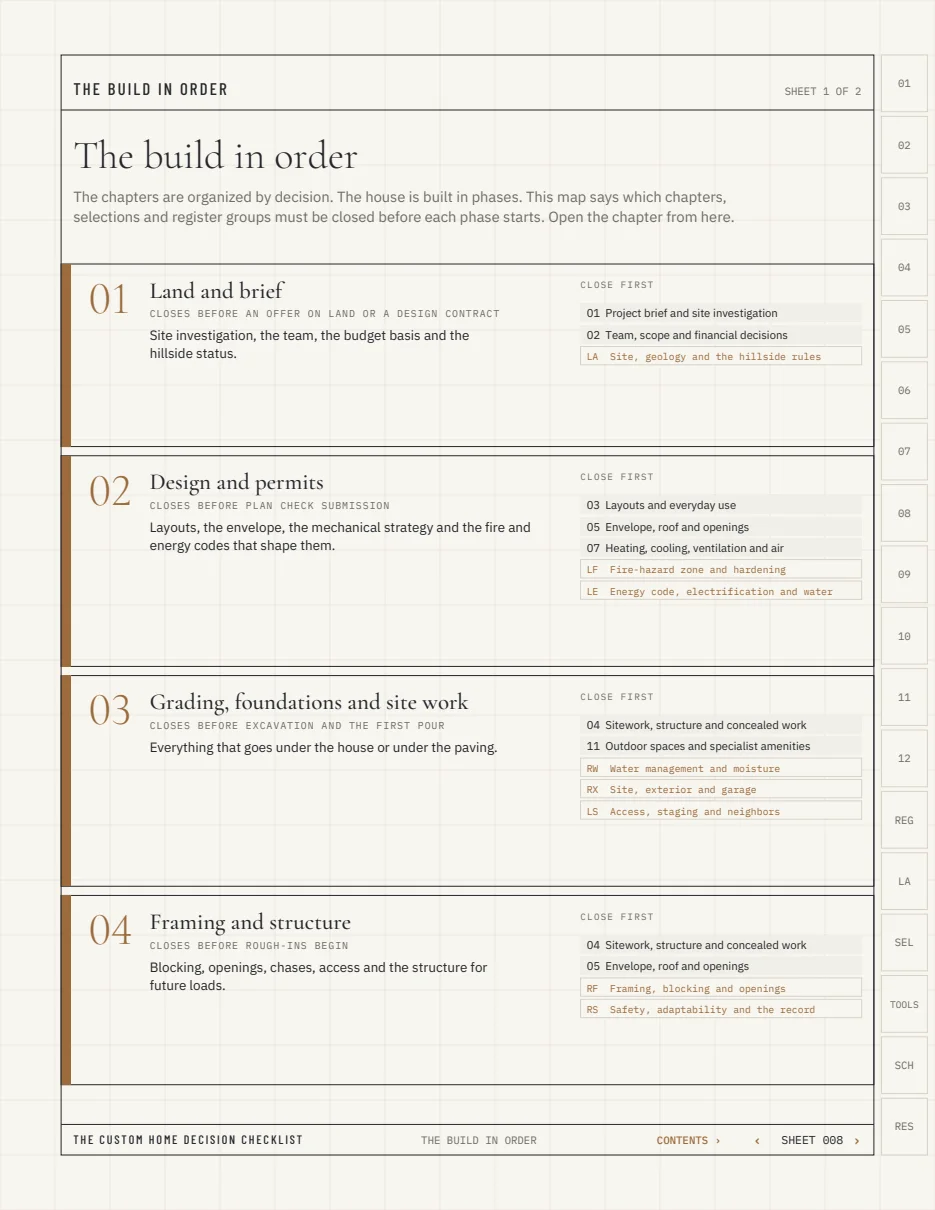
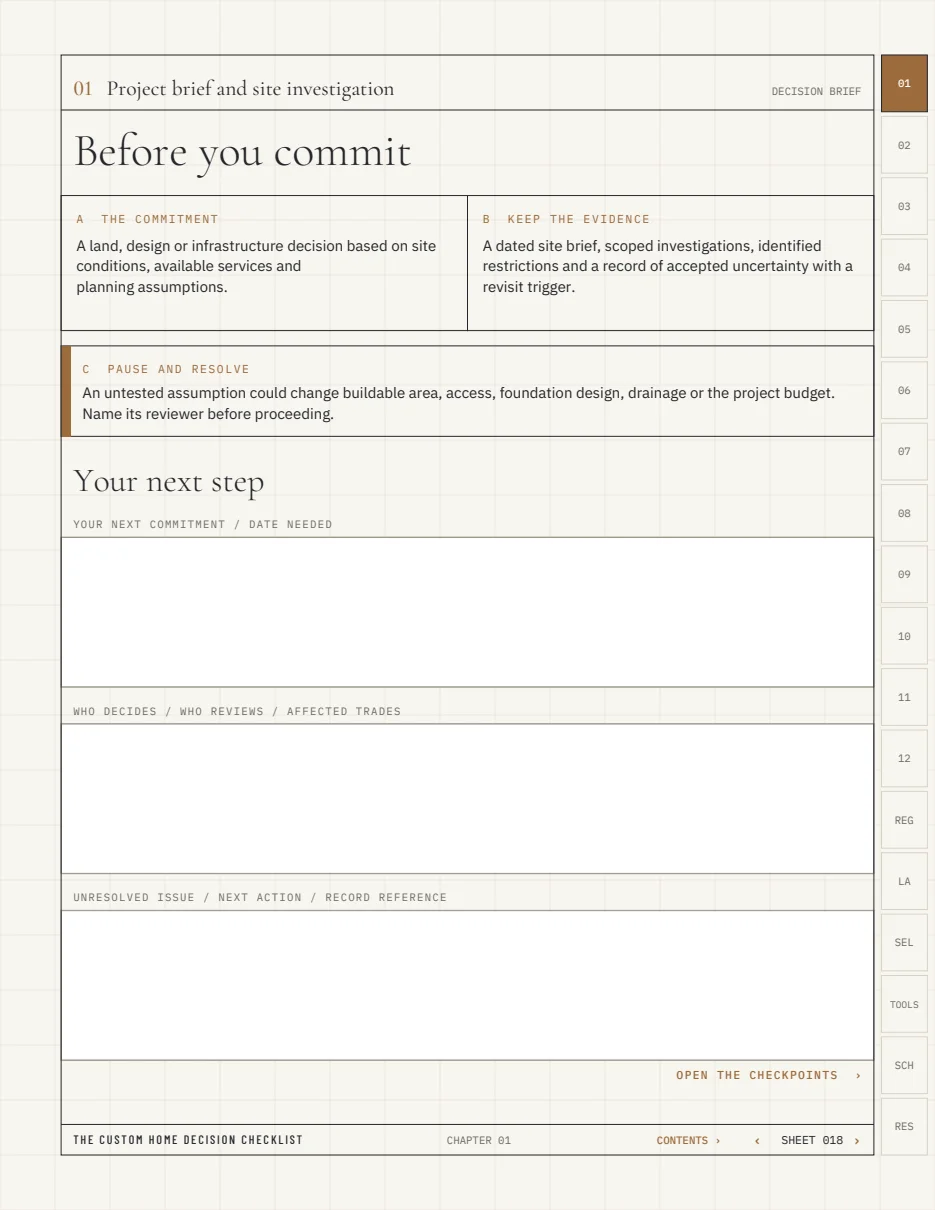
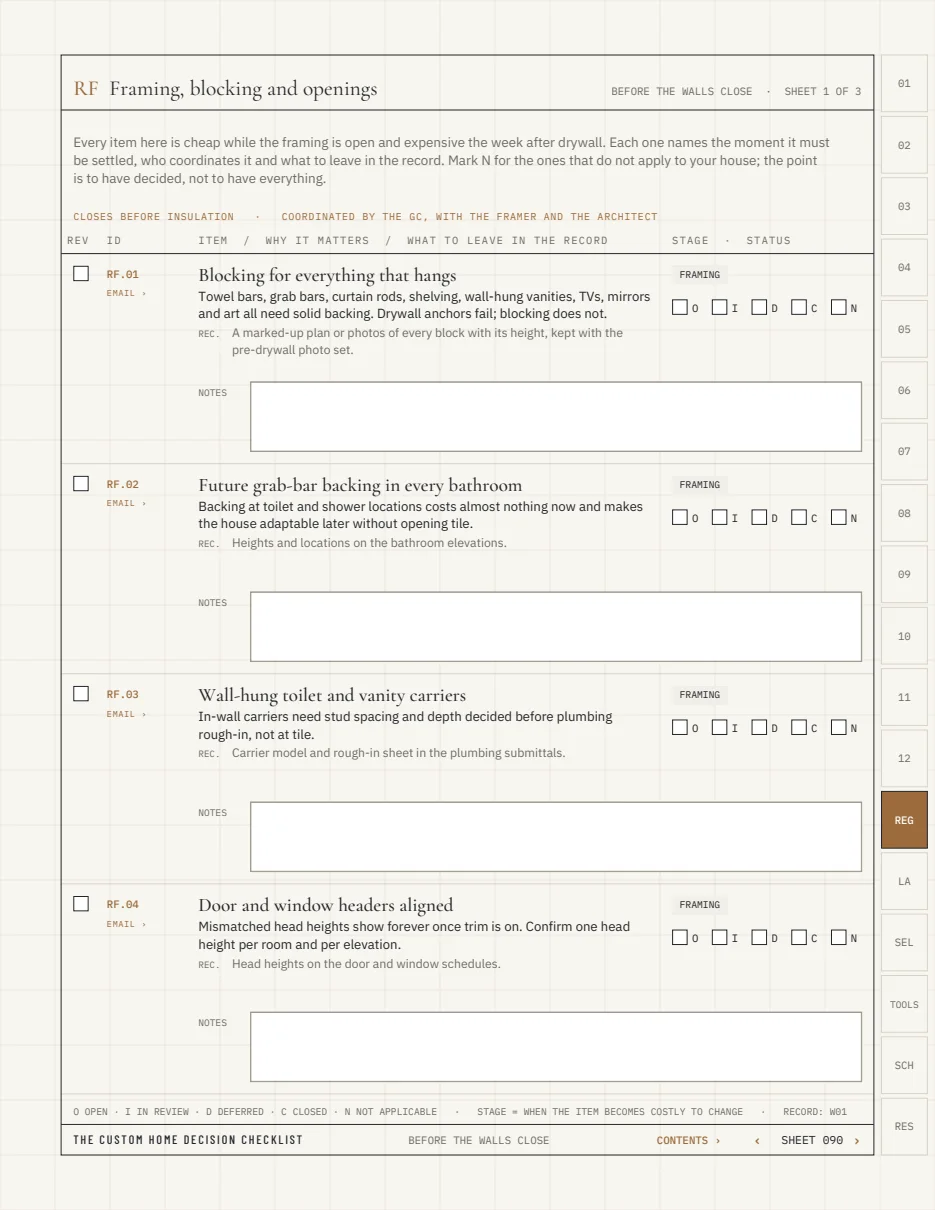
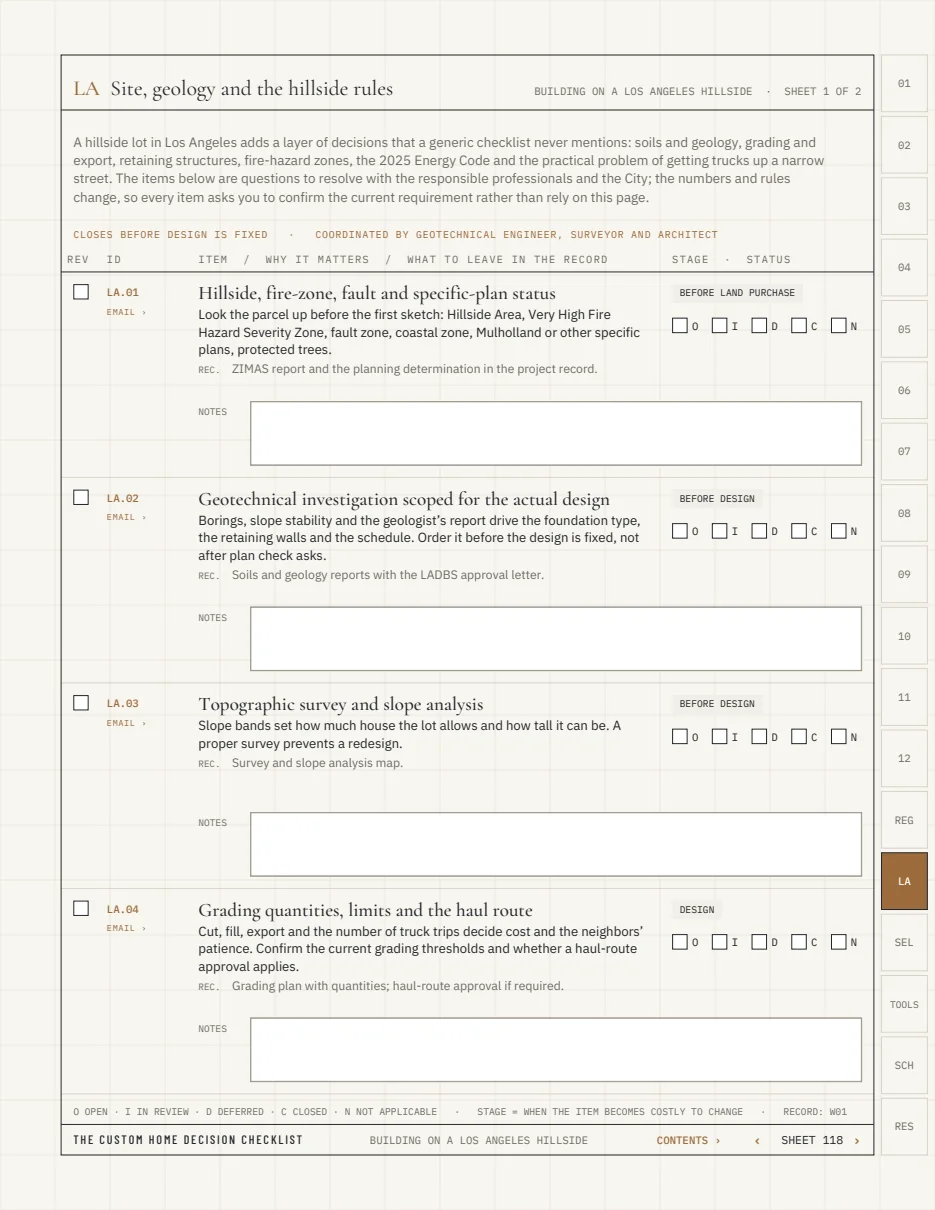
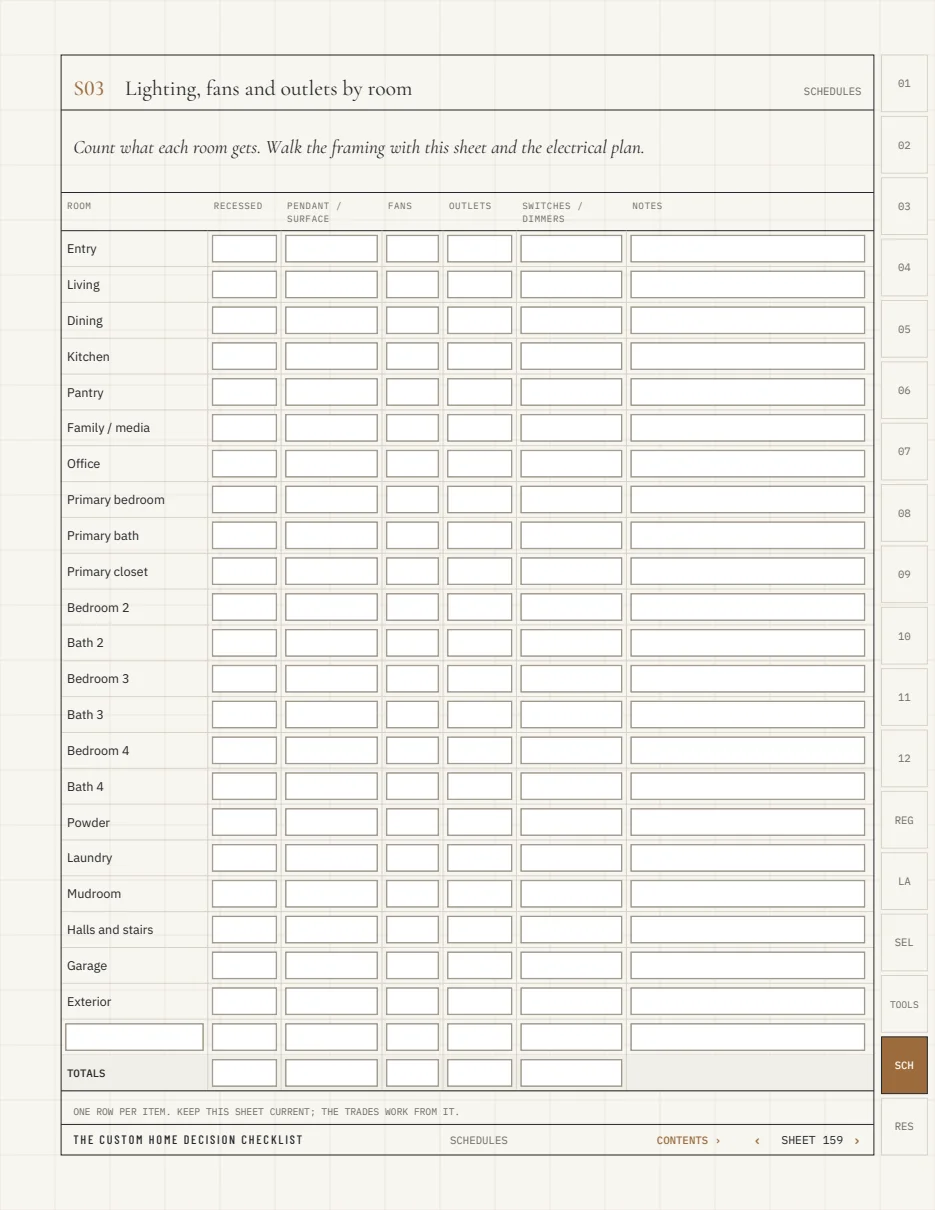
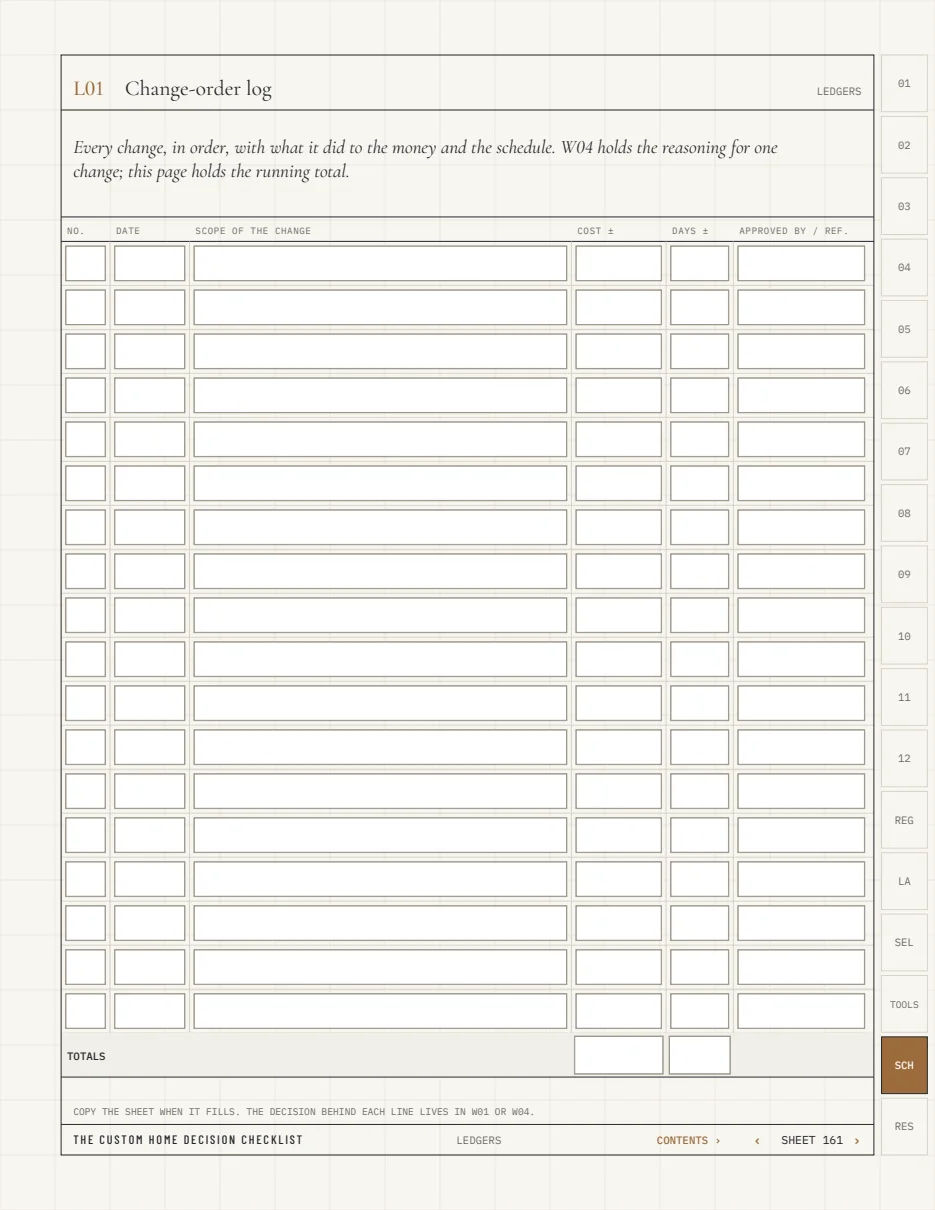
Real sheets from the edition with the fields live, so you can try an entry before you buy.
What makes it different
A record,
not a wish list.
A decision system, not a list
Each of the 192 checkpoints names the action, the evidence to keep, a five-mark status (open · in review · deferred · closed · not applicable) and a record reference. Closing an item means something.
Before the walls close
A 116-item rough-in register by trade: blocking, plumbing, service and circuits, outlets, network, HVAC, water management, site, kitchen, bathrooms, the record. Each item says the stage after which it gets expensive, who coordinates it and what to leave in the file.
Building on a Los Angeles hillside
27 hillside-specific checkpoints: soils and geology, grading and the haul route, retaining walls and caissons, the California Wildland-Urban Interface Code, which incorporates the former Chapter 7A requirements and took effect in January 2026, the 2025 Energy Code, fire-department access, staging on narrow streets.
The question behind the decision
Ask. Discuss.
Keep the record.
The workbook brings the next conversation into focus. Your project professionals resolve the project-specific answer.
An illustrative working example
- The question
- Are the appliance model, handle clearance and water connection coordinated with the current cabinet drawings?
- The people
- Owner, designer, cabinet maker and relevant trades.
- The record
- Current drawing reference, open issue, responsible person and decision date.
Illustrative scenario; not a formal instruction or a project-specific recommendation.
What you will work through
From the first questions
to everyday use.
- Project brief and site investigation
- Team, scope and financial decisions
- Layouts and everyday use
- Sitework, structure and concealed work
- Envelope, roof and openings
- Plumbing, water and drainage
- Heating, cooling, ventilation and air
- Electrical, lighting and connected systems
- Kitchen, laundry and fitted storage
- Bathrooms, finishes and interior details
- Outdoor spaces and specialist amenities
- Walkthrough, handover and continuing care
Before the walls close · the register
Decided while
the framing is open.
- Framing, blocking and openings
- Plumbing rough-in
- Electrical service, panel and circuits
- Outlets, switches and controls by use
- Network, low voltage and security
- Heating, cooling, ventilation and exhaust
- Water management and moisture
- Site, exterior and garage
- Kitchen, laundry and storage rough-ins
- Bathrooms and wet rooms
- Safety, adaptability and the record
Also inside
- A live progress dashboard: every status you mark appears on the overview sheets, and each code opens its sheet
- A linked A–Z index, an email link on every item for your architect or builder, and QR codes for the print edition
- The build in order: nine construction phases, each listing what must be closed before it starts, every entry linked
- 96 selection prompts in 8 menus with Must / Nice / Later priority marks
- 13 working tools, from the decision record to the first month in the home
- Schedules for doors, windows, lighting and outlets by room, and plumbing fixtures
- Ledgers: change-order log, allowance ledger, blue-tape walkthrough, eleven-month review
- Project directory, project record and four blank sheets for your own items
- 28 selected resources, linked: CSLB, LADBS, CAL FIRE, the California Energy Commission, NSF, EPA and others
Who it is for. Owners planning a custom home or major renovation, ideally before land or design is fixed; also useful mid-build, before insulation and drywall, and for anyone comparing properties. Written from hillside builds in Los Angeles; the chapters and register apply anywhere, the supplement is local.
What you get
Three files,
one record.
Fillable PDF
The workbook for screens: bookmarks pane, chapter tabs at the page edge, a Contents link on every sheet, every box a live field. Works in Acrobat Reader, Apple Preview and Files, Chrome, Edge, Firefox and PDF Expert. In GoodNotes and Notability the fields switch off and you write by hand; the links keep working.
Print edition PDF
The same sheets on white paper with writing boxes instead of typed fields. Print single-sided on US Letter at 100% and bind on the left; the edge tabs become a thumb index.
Editable companion (Excel / Google Sheets)
Every prompt as a row with status and priority drop-downs, owner, due date and record columns. Sort by owner before a meeting; filter by status for the open list.
Free updates for a year
Updates to Edition 02 are free for a year from purchase; corrections are always free. Email with your order details to get the latest build.
Save a copy named for the project before you start and keep the original clean. The files are separate; choose one as the live record and keep the others as views. No physical book, consultation, design service or installation is included.
The fillable PDF uses standard form fields with no JavaScript, so it saves in Acrobat Reader, Apple Preview, the iPhone and iPad Files app and the Chrome, Edge and Firefox viewers. The companion opens in Excel, Numbers and Google Sheets.
Questions before choosing
Six things
buyers ask.
Is this for a custom home only?
No. Renovation owners skip chapter 01 and the land items in the supplement; everything from the team chapter onward applies. Buyers comparing existing houses use the checkpoints as inspection questions.
When should I start?
Before land or design is fixed, if you can. Mid-build, start with “The build in order” and the register: whatever phase is next tells you what to close this week.
Does it work on an iPad?
Yes. In the Files app or Acrobat the fields are live. In GoodNotes or Notability the typed fields are off, every box is drawn, and you write with the pencil; bookmarks and tabs still work.
What happens after checkout?
Two emails: a receipt and a download link. The PDF is stamped with your email, which is how we keep it unlocked instead of DRM-locked. Downloads are limited to five; email us if you need a reset.
Is it professional advice?
No. It is an educational planning workbook that supports conversations with your qualified team; closing an item records your process, not compliance or performance.
Refunds?
Fourteen days, through the purchase terms page.
Keep both perspectives together
The Wellness Home Decision Companion
Start with the life you want to live.
Explore the wellness companion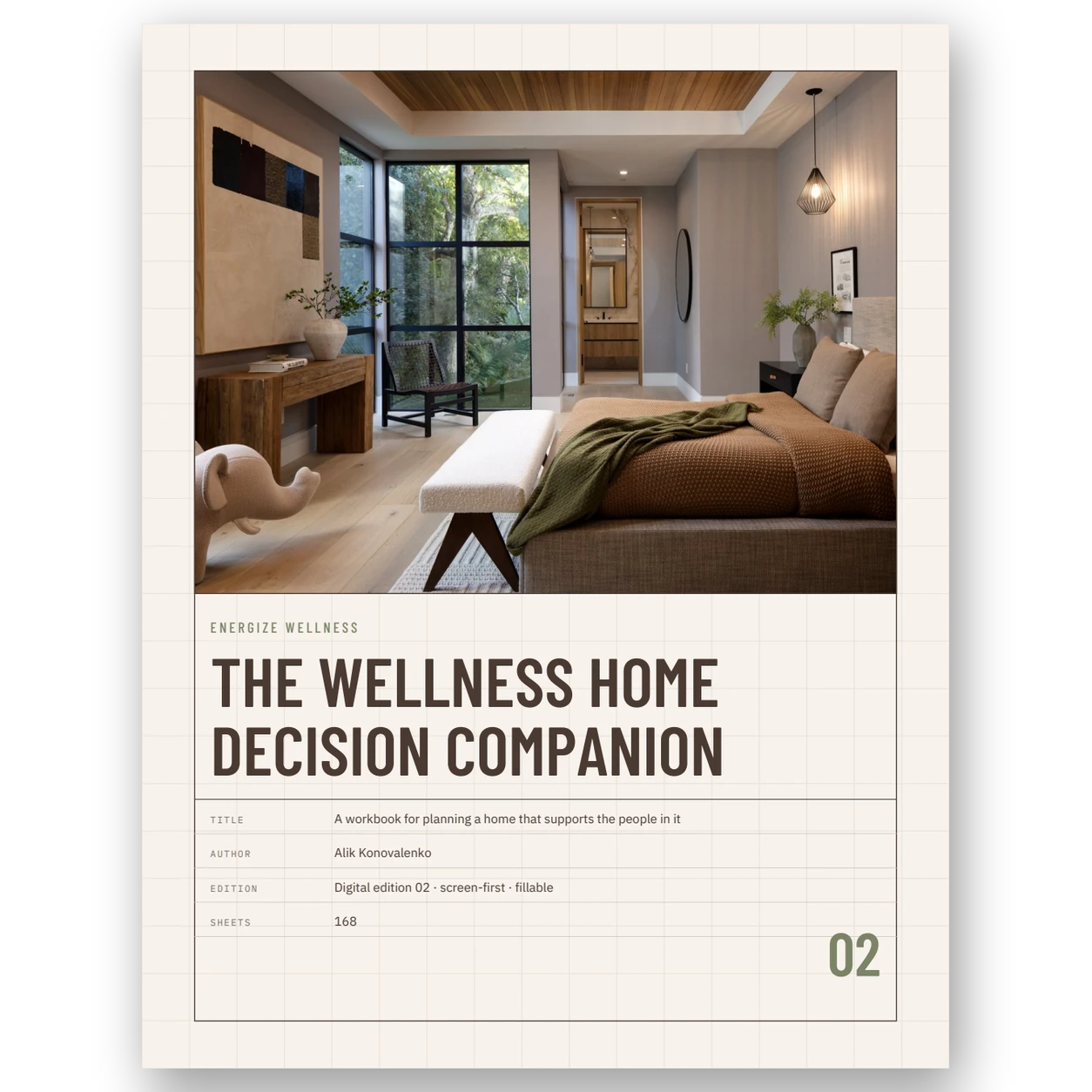
Three languages
The same workbook, in your language.
The Spanish and Hebrew editions carry the same checkpoints, register, tools and dashboard as the English edition, translated and typeset for their readers; the Hebrew edition is laid out right to left.
Bring the next decision into focus
Keep a record.
Move forward with clarity.
Sales are paused. Checkout is currently paused.
English digital edition. One download: the fillable PDF, the print edition and the editable Excel / Google Sheets companion. Free updates for a year. No physical book is shipped. Taxes, if applicable, appear at checkout.
Sold by Energize Builders Inc. One household / one home project. Purchase terms & 14-day refund requests · Purchase privacy · Download help
Questions before choosing? contact@energizebuilders.com
These are planning and record-keeping tools for discussion with qualified professionals. They do not replace drawings, inspections or professional advice, certify compliance, or promise health or project outcomes. Neither book is presented as professionally reviewed.
For custom homes and major renovations in Los Angeles, discuss a project with Energize Builders. Construction inquiries are separate from workbook support.